What Is a Server? Beginner-Friendly Explanation for Non-Technical Readers
If you’ve ever browsed the internet, opened your email, streamed a movie, or logged into a school or work account, you have used a server—even if you didn’t know it. Servers are the backbone of the digital world, quietly working behind the scenes 24/7.
But what exactly is a server? Why do businesses rely on them? How are they different from a regular computer?
This guide breaks servers down in the simplest way possible using real-life examples and analogies so even complete beginners can understand.
⭐ What Is a Server?
A server is a specialized computer designed to store information, run software, and provide services to other computers—called clients—over a network.
Think of it like this:
- A server is a central kitchen
- A client (your laptop or phone) is a customer
- The network is the waiter delivering the request
When you order food, the kitchen prepares it and sends it out.
When you click a link, the server prepares the data and sends it back to your device.
⭐ Why Do Servers Exist?
You might wonder: “Why don’t we just use regular computers?”
Because servers must be:
- Reliable (stay on 24/7)
- Powerful (handle many users at once)
- Secure (protect private data)
- Centralized (easy to access from anywhere)
If a normal laptop tried to power Facebook, Gmail, or Netflix, it would crash instantly.
Servers are built for heavy workloads and continuous operation.
⭐ How Servers Work (Simple Explanation)
Whenever you do something online, this is what happens:
- Your device sends a request (“Give me this page”)
- The server receives the request
- The server processes it (runs code, queries a database, checks permissions)
- The server sends the result back to you
This process happens in milliseconds.
⭐ Types of Servers (Beginner-Friendly Guide)
🟦 1. Web Servers
Host websites and deliver web pages to users.
Examples:
- Apache
- NGINX
- IIS
Whenever you visit a website, your browser is communicating with a web server.
🟩 2. File Servers
These servers store files and allow users to access shared documents.
Offices, schools, and businesses use them for:
- Shared folders
- Backups
- File organization
- Collaboration
🟧 3. Database Servers
Store and manage huge amounts of structured information.
Examples of data stored:
- Bank transactions
- Student records
- Online shop products
- Social media posts
🟥 4. Mail Servers
Handle sending and receiving of emails.
When you send an email, it goes through:
- SMTP servers
- IMAP or POP servers
Gmail, Outlook, and Yahoo all rely on mail servers.
🔵 5. Application Servers
Run apps used by businesses and schools, such as:
- ERP systems
- LMS platforms
- HR systems
- Ticketing systems
They perform complex processing and handle multiple simultaneous users.
⭐ Dedicated Servers vs. Shared Servers
Servers come in different “levels” of power.
| Type | What It Means | Who Uses It |
|---|---|---|
| Dedicated Server | Full machine used by one customer | Large businesses |
| Shared Server | Many users share one server | Bloggers, small websites |
| VPS | Slices of a server acting as separate machines | Growing websites |
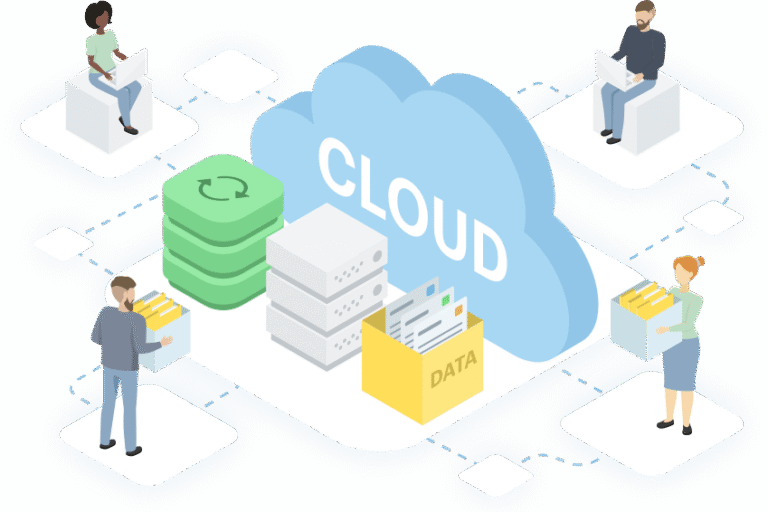
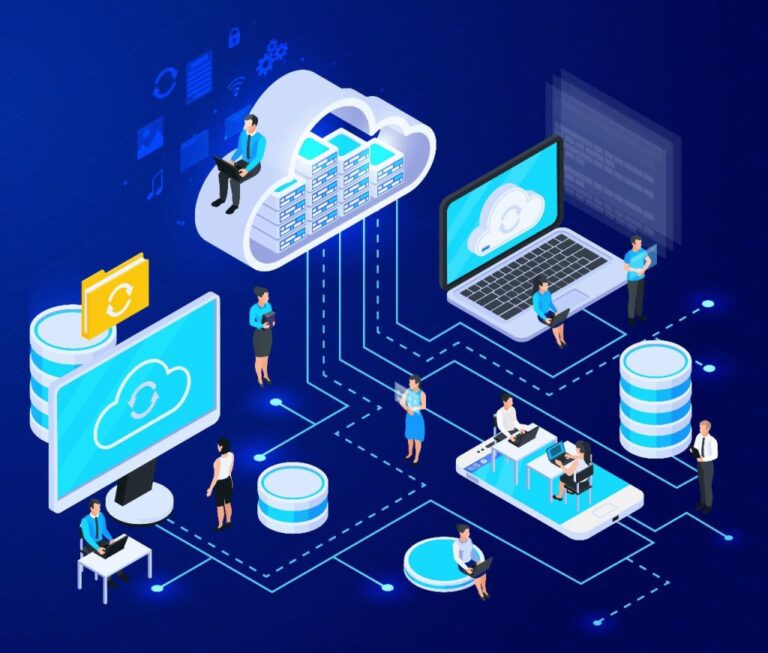
| Cloud Server | Virtual server on cloud platforms | Most modern applications |
Cloud servers are now the standard because they scale easily and rarely fail.
⭐ Physical Servers vs. Virtual Servers
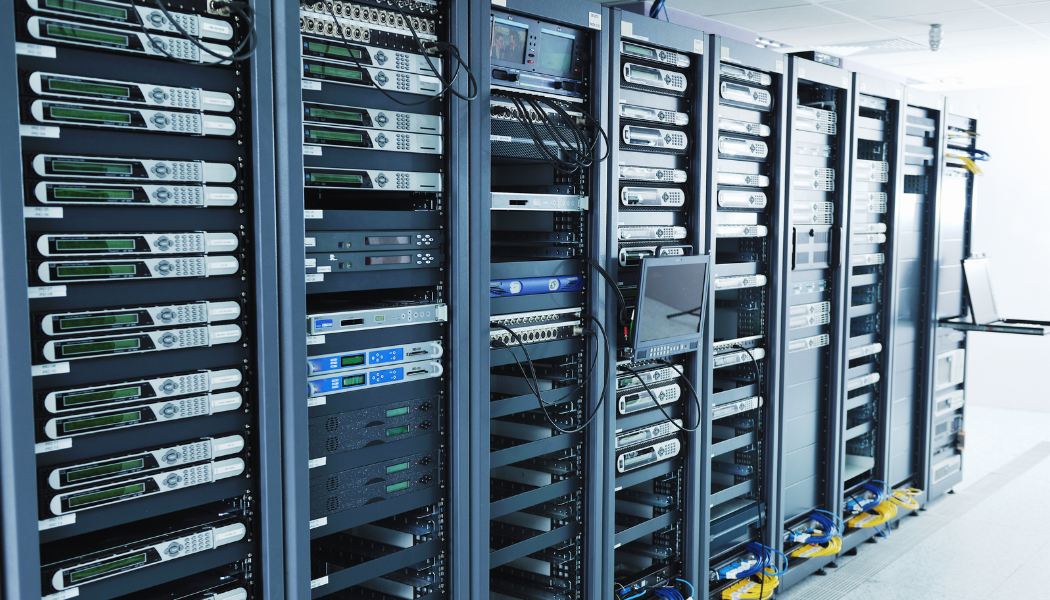
A physical server is actual hardware.
A virtual server (VM) runs inside a physical server.
Visualize it like an apartment building:
- The building = physical server
- Each apartment = virtual server
This allows companies to run many servers on one machine.
⭐ Where Are Servers Located?
Servers run inside data centers—giant facilities operated by companies like:
- Amazon
- Microsoft
- IBM
- Oracle
These buildings have:
- Backup power
- Redundant cooling
- Network redundancy
- Strong security
- Fire suppression
They are designed to keep servers running 24/7.
⭐ Do You Have a Server at Home?
Maybe—and you don’t even notice!
Examples of home “server-like” devices:
- Your Wi-Fi router
- A NAS storage box
- A gaming console running multiplayer hosting
- A smart home hub
These act like mini-servers because they provide services to your devices.
⭐ Why Servers Matter
Without servers, we wouldn’t have:
- Websites
- Social media
- Online banking
- Video streaming
- Cloud storage
- Online classes
- Remote work
Servers literally power almost everything digital.
⭐ Frequently Asked Questions (FAQ)
❓ Is a server just a big computer?
Yes—but designed for performance, durability, and multiple users.
❓ Can I build my own server?
Yes, but it takes technical skill. Many people use cloud servers instead.
❓ Do servers store my data?
Yes. Anything you upload (photos, emails, files) is stored somewhere on a server.