What Is Cloud Computing? Simple Guide for Absolute Beginners
Cloud computing powers nearly everything we use today—Netflix, Google, Facebook, TikTok, online banking, school portals, and business tools. But what exactly is the cloud?
This expanded beginner-friendly guide breaks down cloud computing in the simplest way possible.
⭐ What Is Cloud Computing?
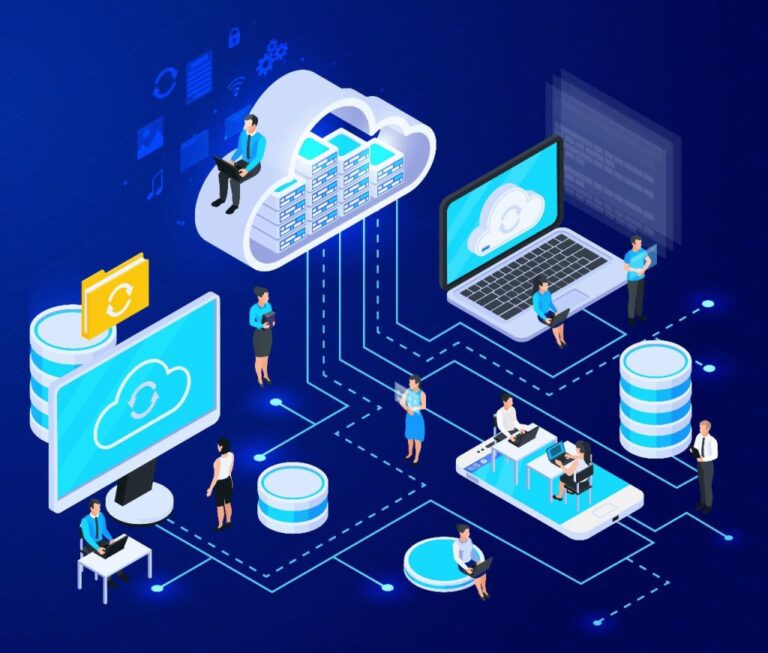
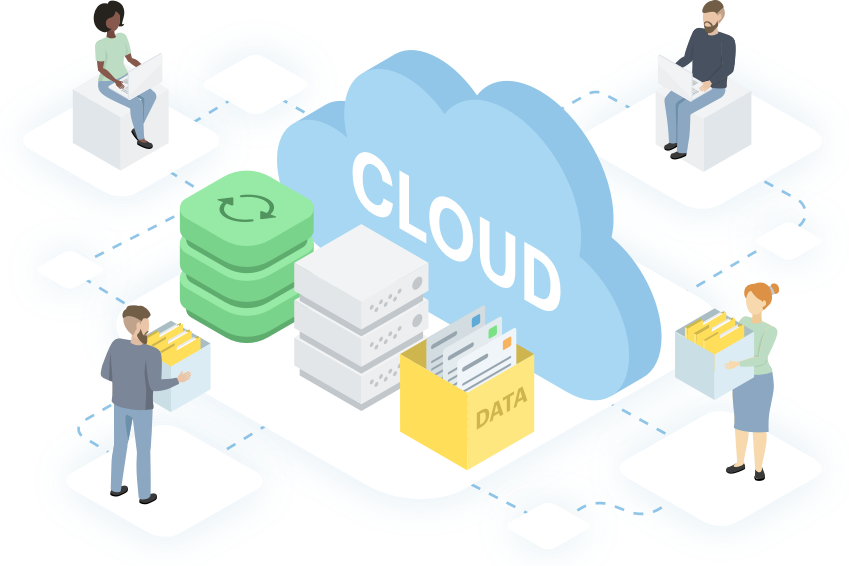
Cloud computing means using powerful computers over the internet instead of relying solely on your personal laptop or phone.
In short:
The cloud = someone else’s computer that you access online.
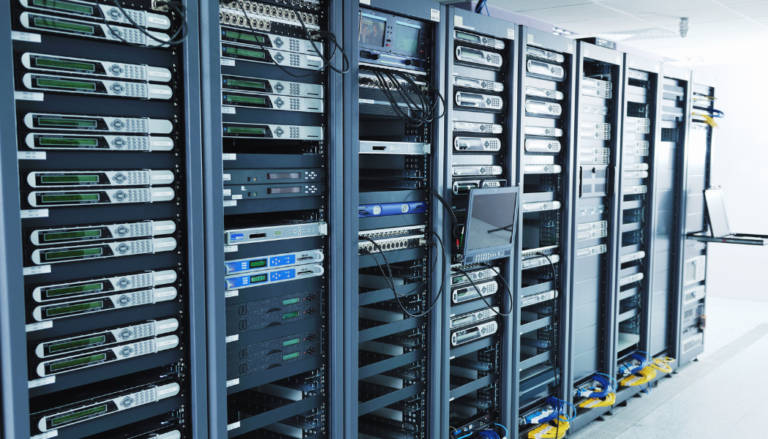
These are not ordinary computers—they are high-powered servers inside massive data centers.
⭐ Real-Life Analogy: Cloud Is Like Renting a Hotel Instead of Owning a House
If you need a place to stay temporarily:
- You don’t buy a house
- You rent a hotel room
- You pay only for the time you use
- The hotel takes care of cleaning, power, maintenance
Cloud computing works the same way:
- You don’t buy hardware
- You rent computing resources
- You pay only for what you use
- The cloud provider maintains everything
This saves individuals and businesses a huge amount of money.
⭐ Why Cloud Computing Exists
Before the cloud, companies had to:
- Buy expensive servers
- Hire IT staff
- Maintain hardware
- Worry about power, cooling, outages
- Replace broken equipment
This cost thousands—and sometimes millions—of dollars.
The cloud eliminated these barriers.
⭐ How Cloud Computing Works (Simple Explanation)
Here’s what happens when you upload a file or run cloud-based software:
- Your device sends the request online
- A cloud provider receives it
- Their servers process the task
- They send the results back to you
Your device becomes a window, not the machine doing the heavy lifting.
⭐ Everyday Examples of Cloud Computing
You’ve already used cloud computing today—even if you didn’t notice:
- Streaming movies (Netflix, Disney+, YouTube)
- Online file storage (Google Drive, iCloud)
- Social media
- Online banking
Each of these activities is powered by cloud servers.
⭐ Types of Cloud Services (Beginner-Level)
Cloud services come in three main categories.
🟧 1. Software as a Service (SaaS)
You use a complete app through your browser.
Examples:
- Gmail
- Zoom
- Canva
- Office 365
No installation. Just log in and use it.
🟩 2. Platform as a Service (PaaS)
You build apps without managing hardware.
Examples:
- Google App Engine
- Heroku
- AWS Elastic Beanstalk
Developers love PaaS because it speeds up development.
🟦 3. Infrastructure as a Service (IaaS)
You rent virtual machines, databases, and storage.
Examples:
- Amazon AWS EC2
- Azure Virtual Machines
- Google Compute Engine
IaaS is like renting an empty apartment—you furnish it however you like.
⭐ Public Cloud vs Private Cloud vs Hybrid Cloud
| Cloud Type | Description | Who Uses It |
|---|---|---|
| Public Cloud | Shared cloud services (AWS, Azure) | Most businesses |
| Private Cloud | Cloud built for one company only | Banks, hospitals |
| Hybrid Cloud | Mix of public + private | Large enterprises |
Public cloud is the most common because it’s cheaper and easy to scale.
⭐ Benefits of Cloud Computing
✔ 1. Cost Savings
You only pay for what you use. No hardware expenses.
✔ 2. Accessibility
Files and apps are available anywhere with internet.
✔ 3. Automatic Updates
The provider handles everything.
✔ 4. Reliability
Backups, redundancy, disaster recovery.
✔ 5. Scalability
Apps can support millions of users automatically.
✔ 6. Collaboration
Multiple people can access and edit the same files.
⭐ Biggest Cloud Providers
These companies dominate the cloud industry:
- Amazon Web Services (AWS)
- Microsoft Azure
- Google Cloud Platform
- Oracle Cloud
- IBM Cloud
AWS is the market leader with about 32% of the global cloud market.
⭐ Is the Cloud Safe?
Cloud providers use:
- Encryption
- Firewalls
- Access controls
- Security monitoring
- Backups
- Multi-factor authentication
Cloud systems are typically safer than local systems because they’re professionally managed.
However, users must still follow safe practices.
⭐ Frequently Asked Questions
Do cloud services store my personal data?
Yes—but securely. You control what you upload.
Can the cloud crash?
Outages can happen, but large providers have strong redundancy.
Is cloud storage free?
Many platforms offer free tiers (Google Drive, Dropbox).